HOME OFFICE · PRACTICAL PICK
The 15-minute
cable reset.
Is the N NOROCME 192-piece cable management kit useful? For a home office with a power strip, monitor cables, adapters and chargers: yes. It gives you enough parts to solve the whole mess instead of just moving it behind the desk.
 Original editorial illustration
QUICK ANSWER
A practical starting point for a desk that has become a small electrical ecosystem.
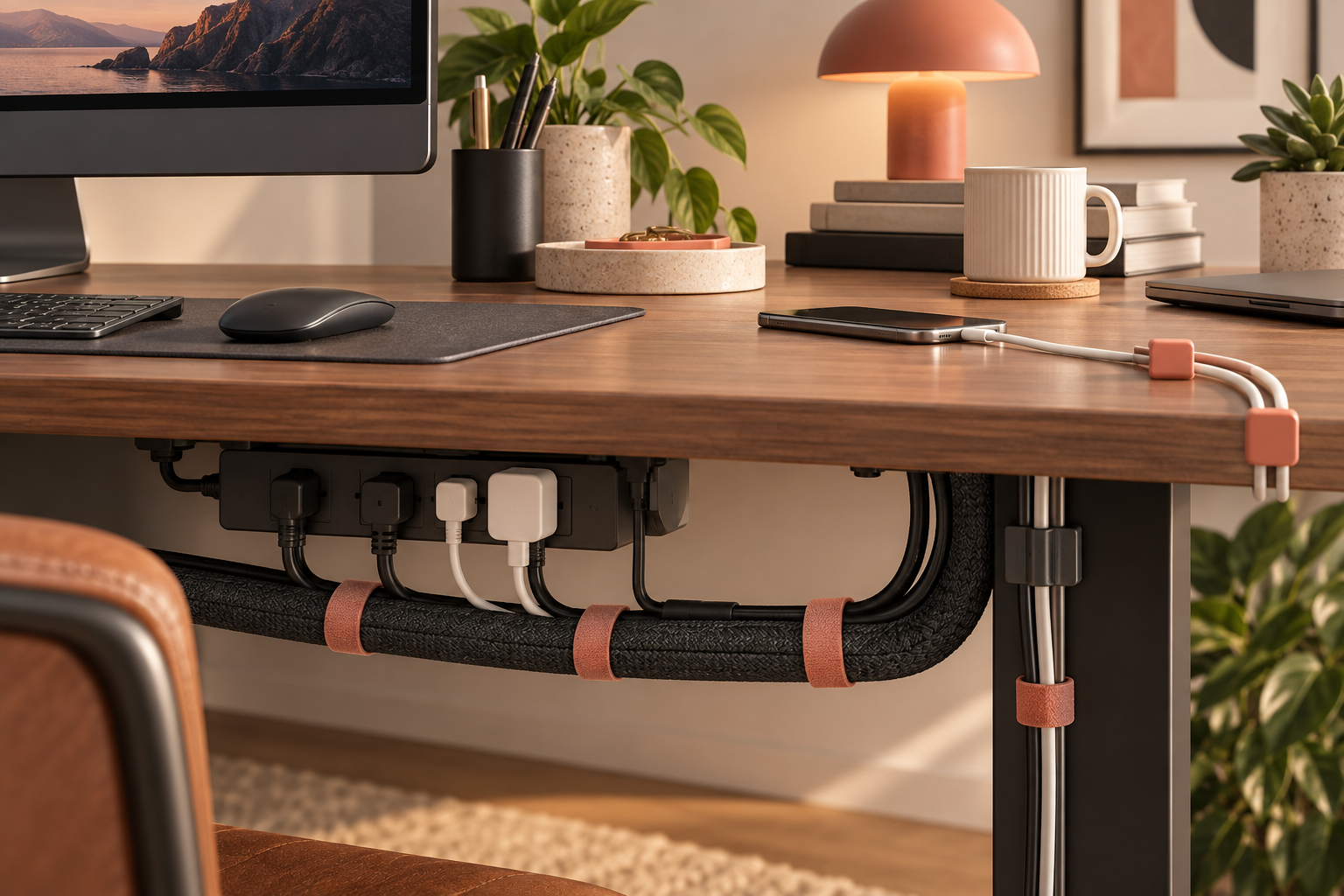
The N NOROCME kit bundles sleeves, clips, reusable straps and fastening ties. That mix is the reason it makes sense for a first-time reset: one type hides the bulky cable run, another keeps daily-use cables accessible, and the ties stop every spare lead from becoming a loose loop.
Third-party listing data checked during our research showed a 4.6/5 customer rating and thousands of Amazon reviews. Ratings, seller and stock can change, so treat the Amazon page as the final source before purchase.
Check current Amazon listing ↗WHO THIS IS FOR
Best for A new home-office setup, a TV unit, or anyone with multiple cables and no existing organizing system.
Not ideal for One charger cable or a tiny desk. A small pack of reusable ties is simpler and creates less leftover hardware.
U.S. delivery check Confirm the seller, delivery date, and eligibility for your U.S. address directly on Amazon before buying.
HOW TO SET UP A CLEANER DESK
- 01Audit first. Unplug old adapters and label the cables you use weekly. Organizing unused cables is how clutter earns tenure.
- 02Create one power zone. Put the power strip and large bricks in a single hidden area under or behind the desk.
- 03Route the main runs. Use sleeves for monitor, laptop and power cables; do not overfill them or future changes become annoying.
- 04Keep daily cables free. Use clips for the phone or headset cable you reach for constantly. Good cable management should not make charging harder.
WHAT TO KNOW BEFORE YOU BUY
Cable management is less about hiding everything and more about giving every cable a job.
A kit with many pieces is helpful only when you use the right piece for the right task. Sleeves are best for a group of cables traveling in the same direction. Reusable straps are better for charger pouches and temporary bundles. Adhesive clips work well on clean, flat surfaces but are not magic: heat, dust and textured finishes can weaken the bond.
For standing desks, leave a relaxed vertical loop and test the desk at its highest setting before committing to any clip. For a desk against a wall, keep some slack so you can pull the desk forward without unplugging the whole setup. These tiny decisions are what separate a tidy desk from a beautifully organized trap.
FAQ
Questions people ask before organizing cables
Is a cable management kit worth it?
It is worth it when you have several cables, a power strip, and adapters to organize. A broad kit saves separate purchases and gives you options after you see the layout.
Will a cable management kit work with a standing desk?
Yes, but leave slack for movement and avoid tightly fixing the cable run between the desktop and floor. A flexible sleeve or loose straps work better than rigid routing.
Do adhesive cable clips damage a desk?
They can leave residue or lift weak finishes. Test an inconspicuous spot first, clean the surface before applying, and use removable options on delicate finishes.
How we researched: We compared the product's listed contents, current public Amazon listing signals, review volume and practical home-office use cases. This is an editorial research guide, not a hands-on laboratory test.
Looking for a smaller fix? Read our guide to reusable cable ties.
As an Amazon Associate, Useful Finds may earn from qualifying purchases. Product availability, price, seller, reviews and delivery can change.