WORK · SMALL TOOL, SPECIFIC JOB
Two kinds of laptop grime.
One pocket-size answer.
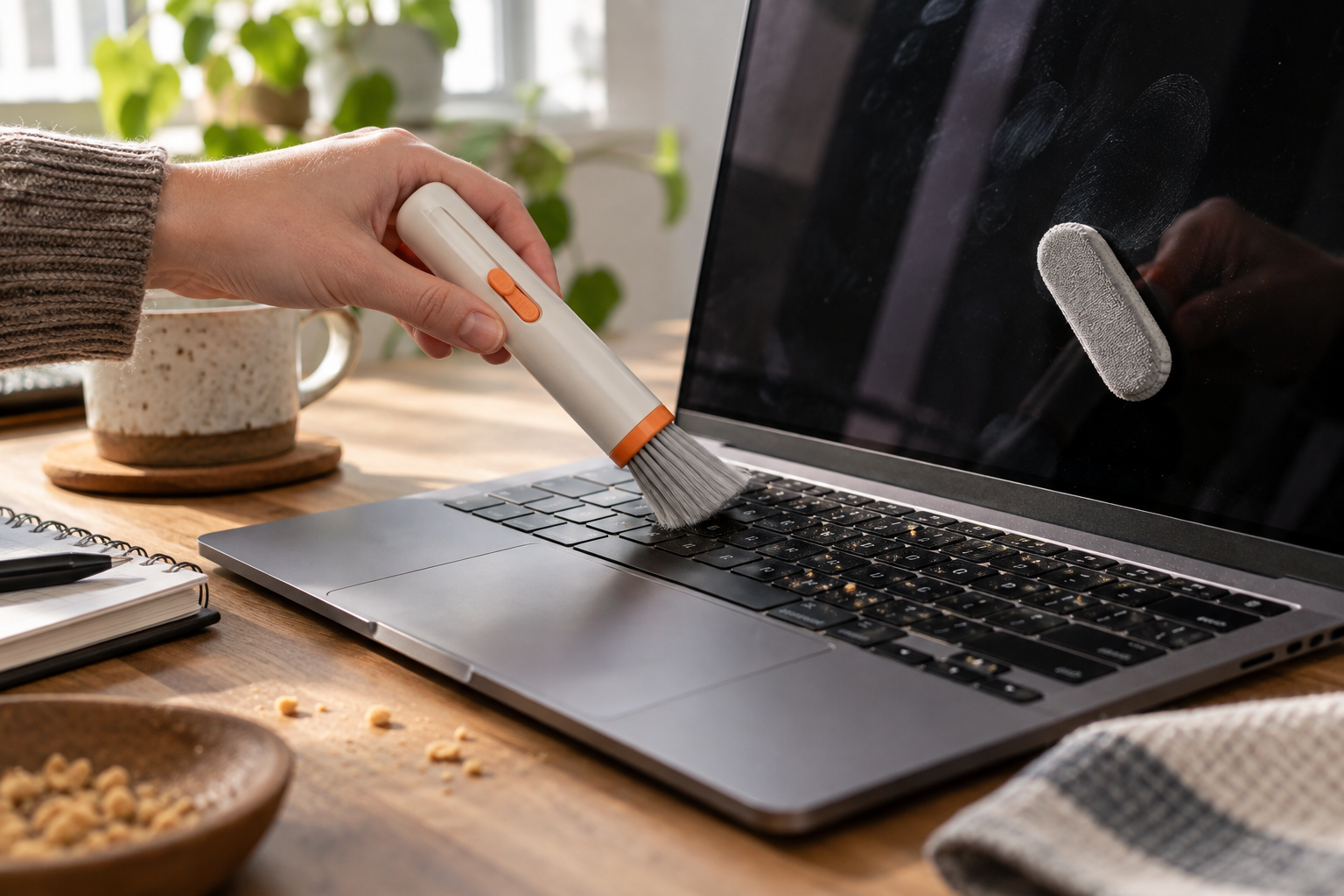
The OXO Sweep & Swipe is useful when your laptop has the ordinary combination of dust around the keys and fingerprints on the screen. It is not a disinfectant, a compressed-air replacement, or permission to scrub a delicate display.
 Original editorial illustration
THE VERDICT
A sensible desk-drawer tool—provided you understand the boundary between tidying and repair.
OXO combines a retractable soft brush with a capped microfiber pad. The brush handles loose, dry debris; the pad handles light smudges. That division of labor is the product’s strongest idea. Each end also has protection for storage, so yesterday’s keyboard crumbs do not become tomorrow’s screen polish.
Buy it for: routine surface cleanup on a laptop, tablet, or phone. Skip it for: liquid spills, sticky residue, debris beneath key mechanisms, or a damaged screen coating.
Check current Amazon buying options ↗AVAILABILITY CHECK · SEPTEMBER 18, 2026
Exact listing: OXO Good Grips Sweep & Swipe Laptop Cleaner, ASIN B07W1L7TCF.
Fulfillment observed: Amazon fulfilled the visible third-party offer. The page did not show a stable featured offer in our check, so seller and availability deserve a second look at checkout.
U.S. delivery: the U.S. listing was active. Delivery still depends on the buyer’s address and the offer selected.
WHY THE DESIGN MAKES SENSE
Dust and fingerprints are different cleaning problems.
A keyboard brush works by moving particles away without grinding them into a surface. A microfiber pad works by increasing contact area and collecting oils in its fine fibers. Combining them is not technologically dramatic; it is good tool discipline. The dry brush should touch the crevices, while the clean pad should touch the display.
The separation can fail if the pad becomes dirty. OXO’s compact format encourages the tool to live in a bag, but a capped pad is not self-cleaning. Inspect it before it meets a screen. Any trapped grit can turn a wiping tool into an abrasive one. The same caution applies to every microfiber cloth, regardless of brand.
A safer three-minute routine
Power the laptop down and unplug it. Tilt the keyboard slightly and use short, light brush strokes that move debris outward. Do not jab the brush below the keycaps. Check that the microfiber end is clean, then wipe the display with minimal pressure. If marks remain, stop and consult the device maker’s instructions rather than adding household cleaner. Apple’s published guidance, for example, calls for shutting down and unplugging devices, avoiding aerosol sprays and excessive moisture, and using a soft lint-free cloth.
Where this tiny tool stops being useful
It cannot remove internal dust, repair a sticky key, sanitize a shared keyboard, or solve a liquid spill. It is also less economical if you already keep a clean microfiber cloth and a dedicated electronics brush at the desk. The value is consolidation: two dry-cleaning tools in one protected object, ready before dust becomes a weekend project.
FAQ
Before the first swipe
Is the OXO Sweep & Swipe safe for a laptop screen?
The microfiber end is intended for screens, but use it dry and with light pressure. Shut the device down first and follow the computer maker’s cleaning instructions; coatings and damage conditions vary.
Does the OXO laptop cleaner use liquid?
No liquid is built into the tool. The microfiber pad handles light fingerprints and smudges, while the brush removes dry debris. Stubborn grime may still require a manufacturer-approved damp-cloth method.
Can it clean between laptop keys?
The soft brush can move loose dust and crumbs from around keys, but it cannot reach debris trapped deep beneath a keyboard mechanism. Do not force bristles under keycaps.
Is ASIN B07W1L7TCF currently available?
The Amazon.com page and an Amazon-fulfilled seller were visible during our September 18, 2026 check, but the page did not show a stable featured offer. Review current buying options and U.S. delivery before ordering.
How we researched: We checked the exact Amazon.com listing and fulfillment signals on September 18, 2026, OXO’s published product description and catalog entry, an independent 2026 review from Popular Mechanics, and Apple’s device-cleaning guidance. We did not hands-on test this product.
For the mess behind the laptop, continue with the 15-minute cable reset or our reusable cable-tie guide.
As an Amazon Associate, Useful Finds may earn from qualifying purchases. Price, seller, stock, ratings, and delivery can change.